Delete a lexical record
[User, Manager, Administrator]:
This feature allows users to delete an existing lexical record. First of all,
users need to select the lexical record to be deleted. There are two ways to select a lexical record: through close match or lexAccess.
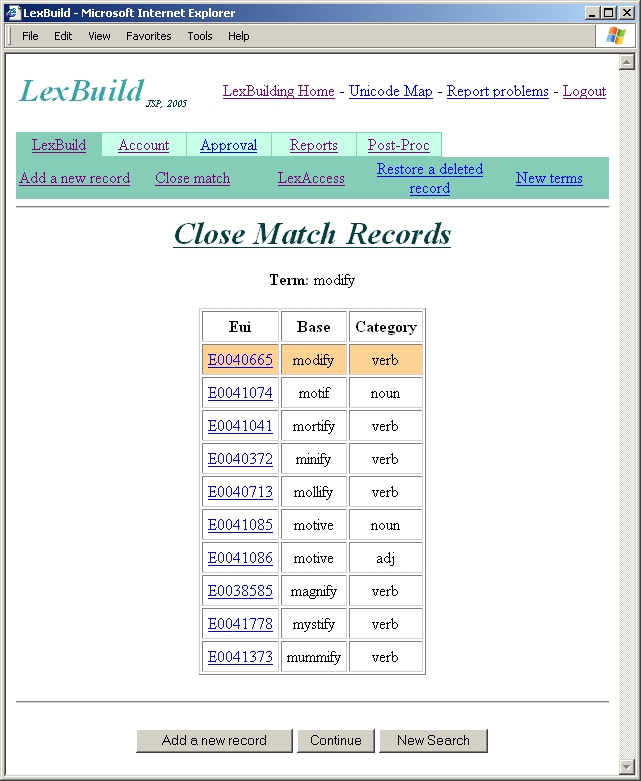
- Close match
- Click on LexBuild on the top menu
- Click on Close Match on the LexBuild sub-menu
- Type in the term (base) of record to be modified
- Click Ok button
- Click on the Eui for the record to be modified
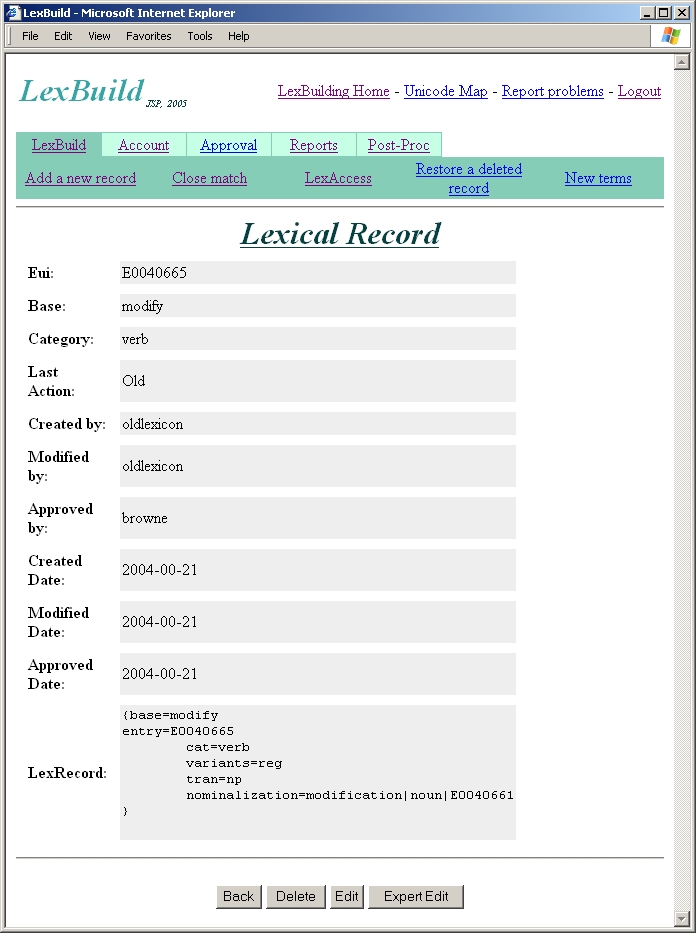
- Click Delete button to delete the record
- LexAccess
- Click on LexBuild on the top menu
- Click on LexAccess on the LexBuild sub-menu
- Type in the base or Eui of record to be modified
- Click Ok button
- Click on the Eui for the record to be modified
- Click Delete button to delete the record